Troubleshooting MFA process
If you're experiencing difficulty logging in using MFA, work through the relevant scenario below.
When an account is created, a welcome email is sent from a no-reply@app.sqod.co.uk style address, or it may come from your company's domain.
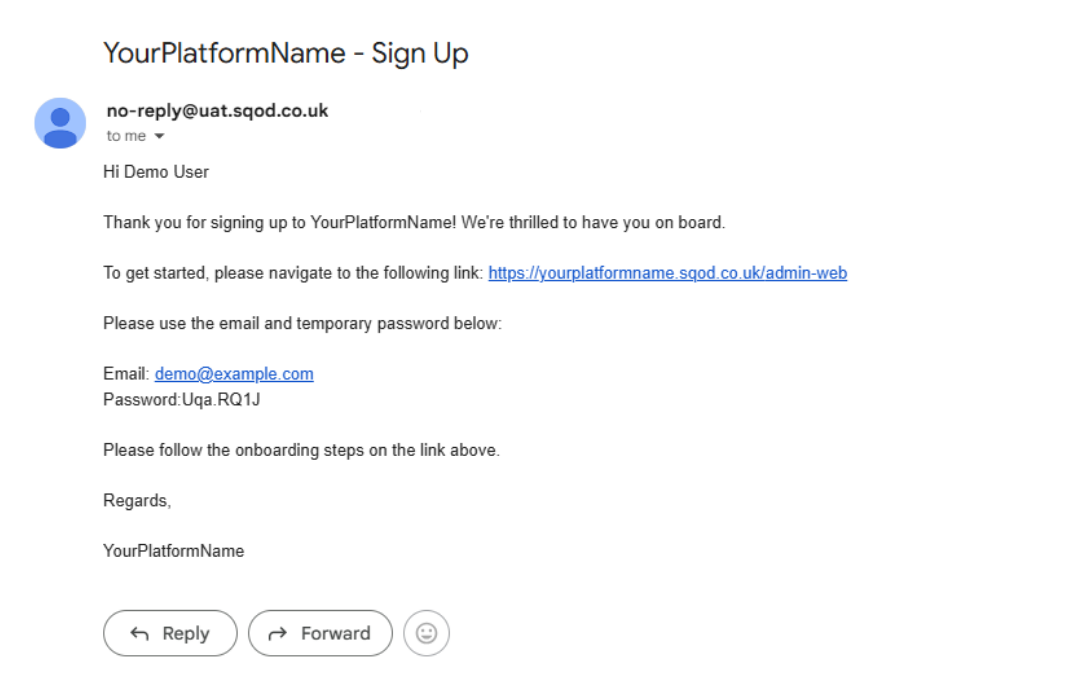
Navigating to the embedded link will bring you to the your login page.
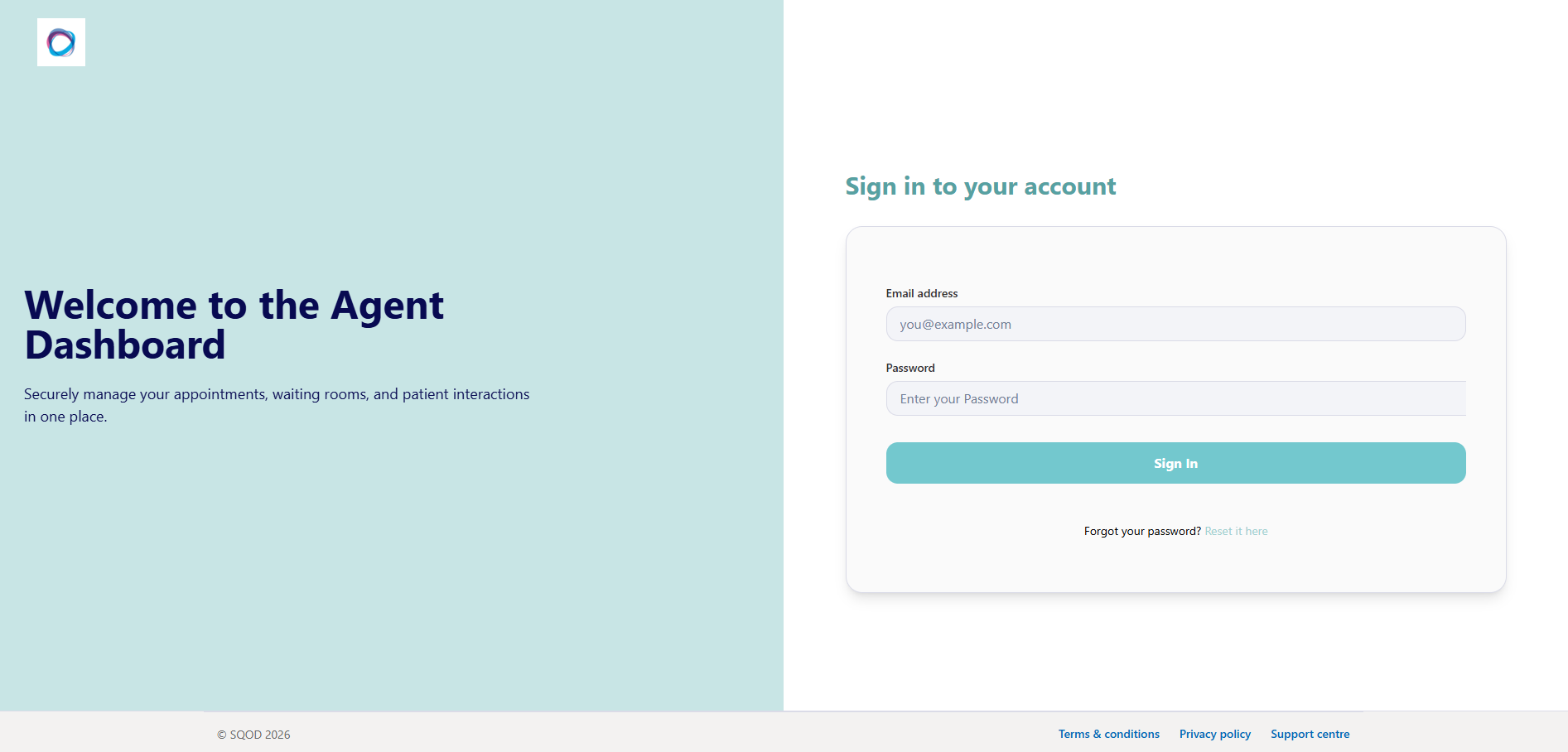
The next step is to sign in for the first time using your email address and the bespoke password that was changed from the system generated one.
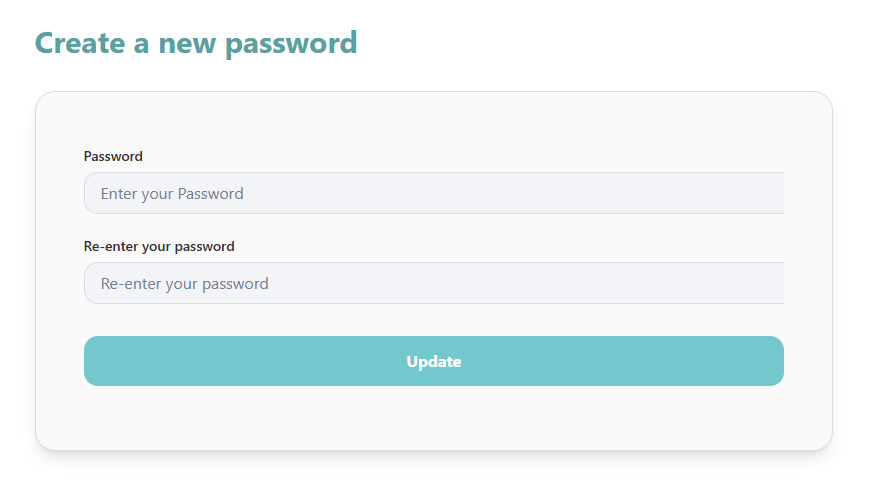
You will then be asked to set up your MFA via SMS, email or authenticator app depending on your organisations preference:
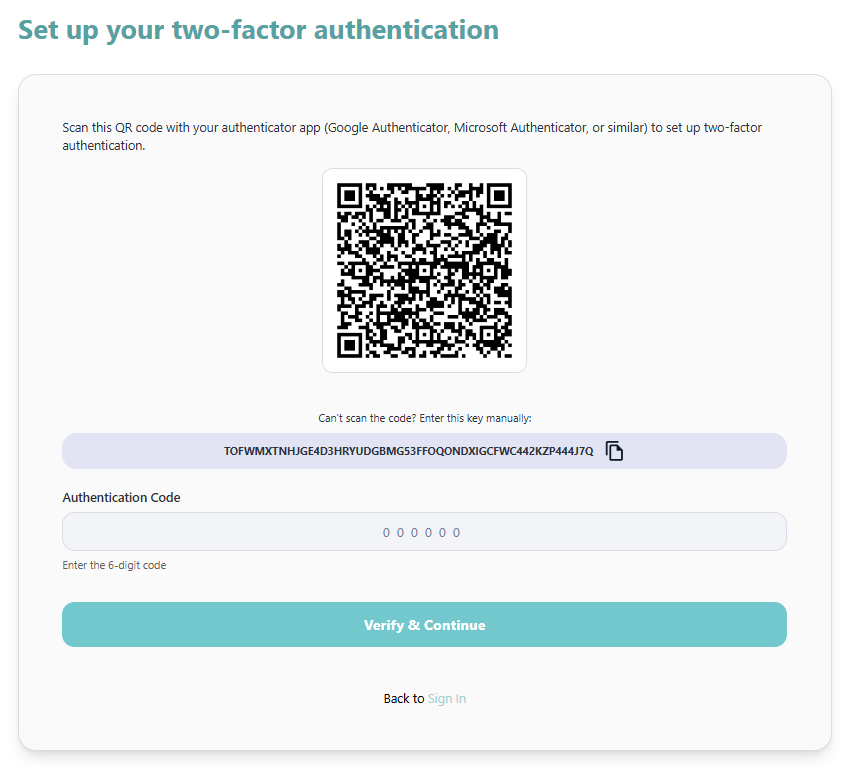
If your organisation has requested to use an authenticator app you can use whichever application you or your organisation prefers,
i.e., Microsoft Authenticator, Okta, Google Authenticator etc.
You have a limited window to enter the 6-digit code after scanning.
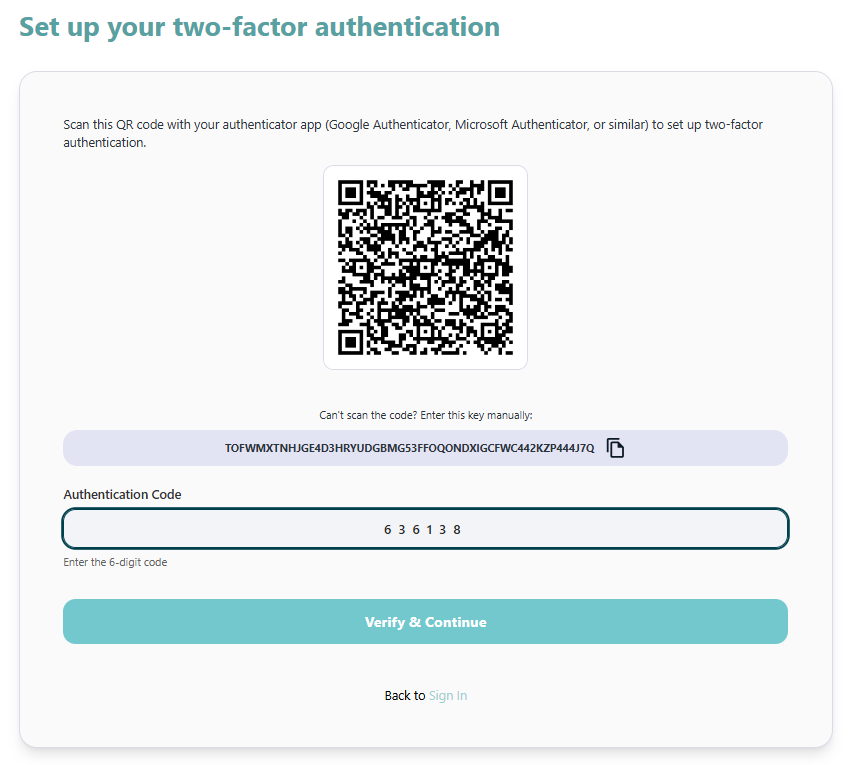
Scenario 1: Your session expired before completing MFA setup via app.
Refresh the page, log in again, and re-scan the QR code. The original code will no longer work, so remove the entry from your authenticator app first, then re-scan and enter the new code to complete setup.
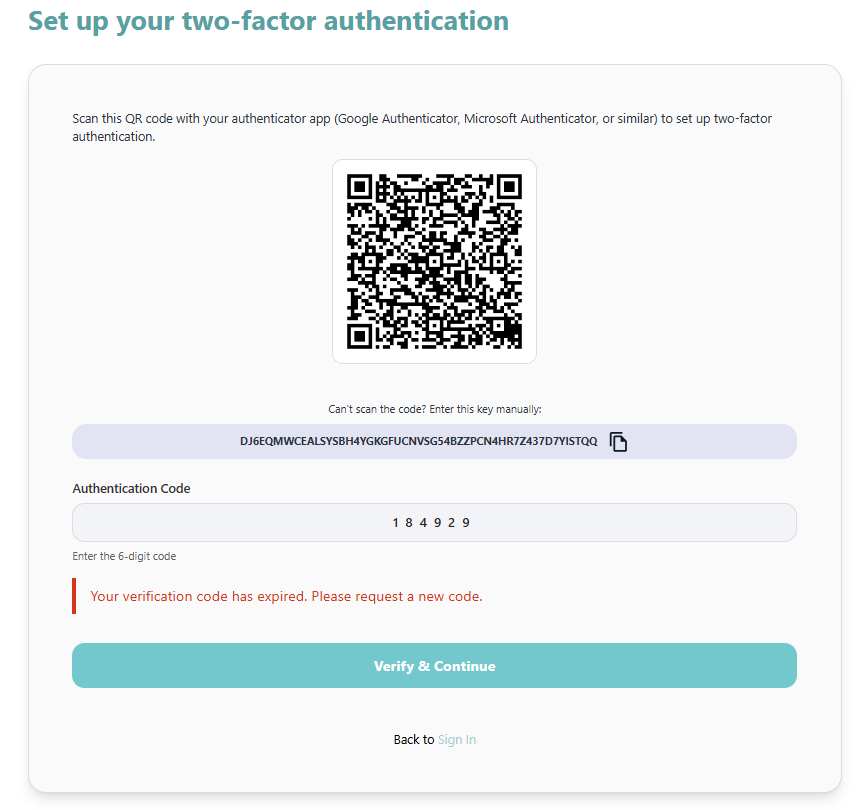
Scenario 2: You've lost access to your authenticator app, mobile or email account.
There is no way to access the platform without the authenticator linked to your account, and we cannot reissue MFA to an existing account. A Customer or Department Administrator will need to remove and re-add your account, so you can complete the full MFA setup process again from the beginning.
Scenario 3: MFA code not accepted after previously successful logins.
If you run in to a challenge where the platform does not allow access after your MFA is set up, this error may be displayed:
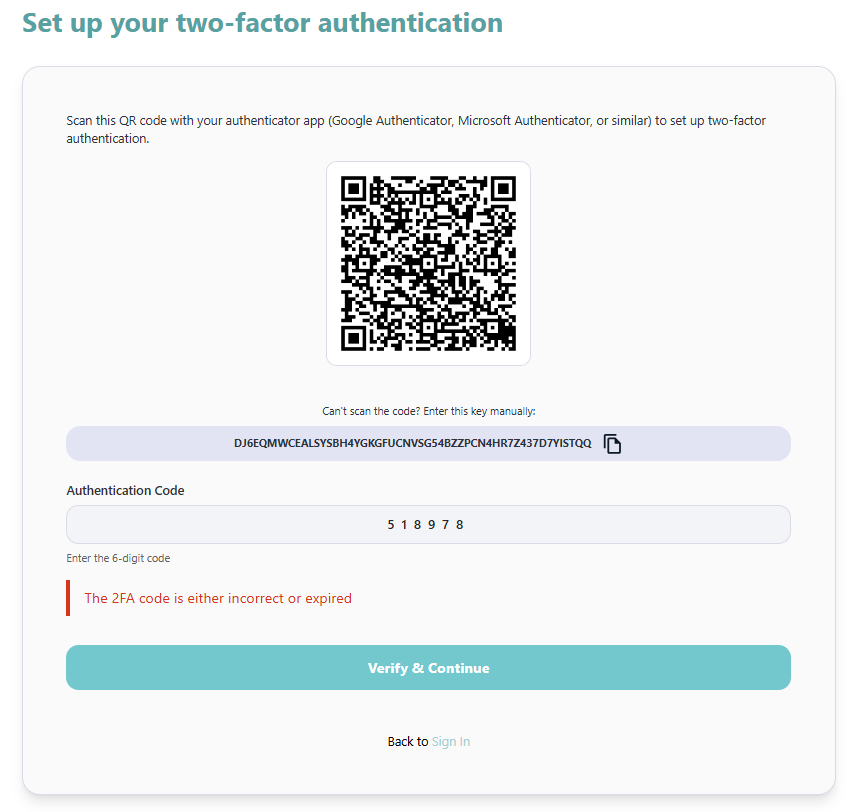
Possible causes:
- The code changes every minute – if the code updated before you entered it, refresh the page, re-enter your login details, and try the new code.
- The browser has cached the page – clear your browser cache and cookies and try again.
- If you access more than one customer site, ensure you’re using the code for the correct one.